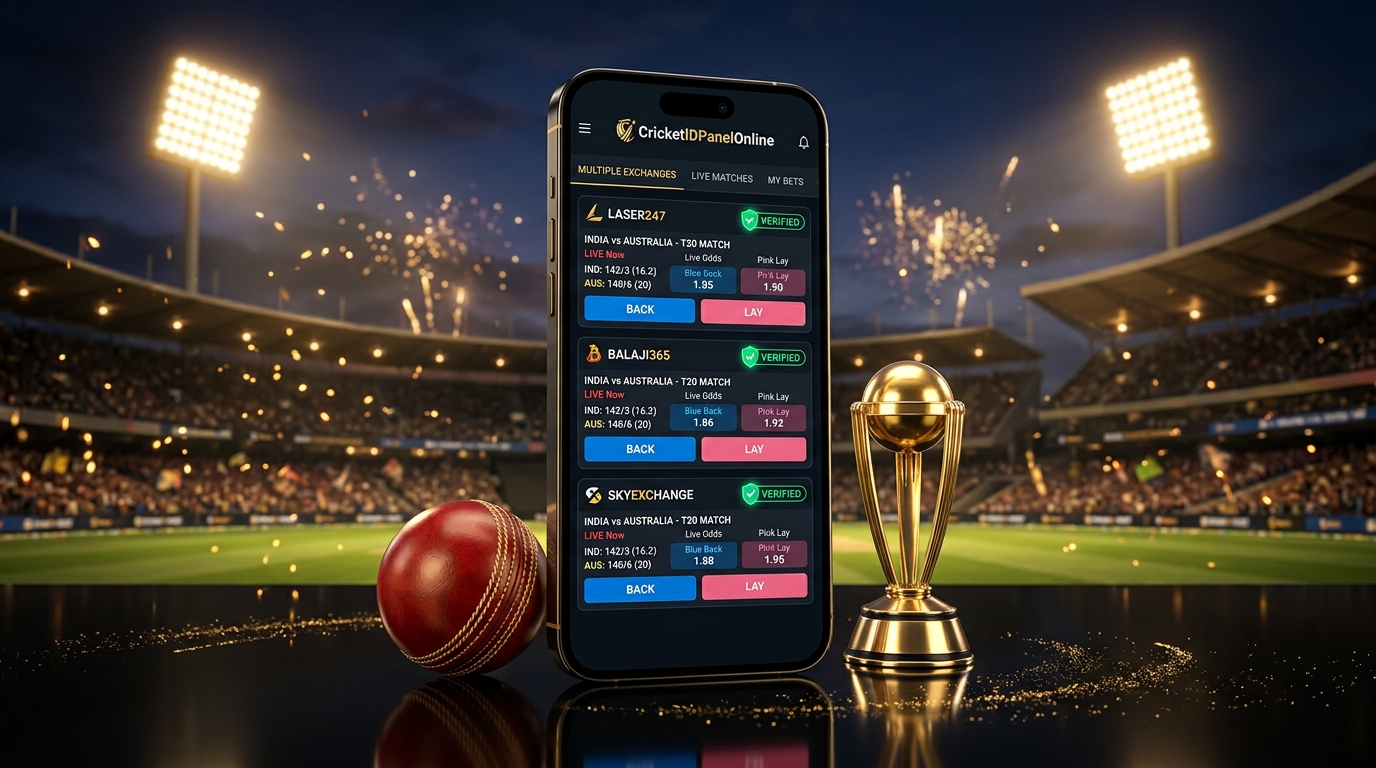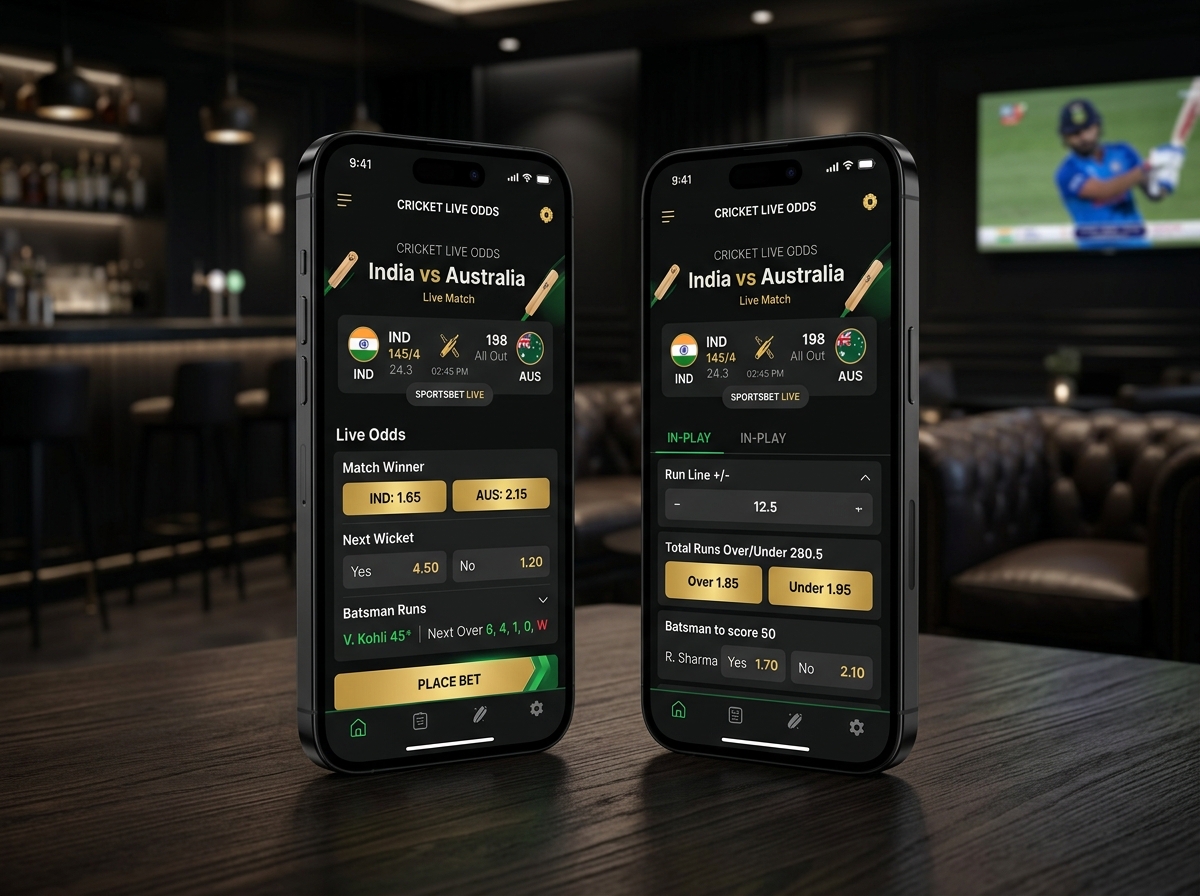
What Exactly is an Online Cricket ID?
For newcomers to digital sports entertainment, the phrase "Cricket ID" can sound complex or mysterious. In simple terms, an Online Cricket ID is a personalized digital account credential (comprising a unique username and encrypted password) that enables a user to log into an online cricket exchange or sports platform.
Through this secure portal, users can track real-time match odds, observe live scorecards, explore back and lay markets across international fixtures (IPL, World Cups, Big Bash League), and manage deposit and withdrawal requests through digital banking channels.
The Administrative Hierarchy: How Platform Distribution Works
The online cricket platform ecosystem in India operates on a structured multi-tier administrative hierarchy. Understanding this architecture demystifies where your account sits within the network:
| Tier Level | Role Title | Primary Responsibilities |
|---|---|---|
| Tier 1 | White-Label Platform Operator | Maintains the software architecture, exchange matching engine, server infrastructure, and sports odds data feeds. |
| Tier 2 | Super Master / Admin Panel | Allocates credit limits, manages regional distribution networks, and oversees security protocols. |
| Tier 3 | Master Agent / Panel Provider | Handles customer onboarding, initial verification, payment routing, and first-line customer service assistance. |
| Tier 4 | User ID (Account Holder) | The individual participant who accesses the platform front-end to view markets, participate, and manage their wallet. |
Step-by-Step Guide to Getting Started Safely
If you are exploring account access for the first time, follow this standard onboarding sequence:
- Initial Enquiry: Reach out through verified official contact channels (e.g., our getting started guide) to discuss platform choices based on your device preferences.
- Request a Demo ID: Before making any financial commitment, ask for a Demo Account. Demo accounts allow you to log in, explore the user interface, examine match markets, and test navigation responsiveness with virtual credits.
- Set Up Strong Credentials: Once your personal User ID is provisioned, immediately log in and change your temporary password to a secure alphanumeric passphrase. Never reuse passwords from your primary email or banking apps.
- Verify Banking Alignment: Confirm that your deposit and withdrawal methods share identical legal names to ensure seamless processing under KYC standards.
The Value of Testing with a Demo Account
A reputable platform provider will always offer access to a demonstration environment. When evaluating a platform through a demo ID, inspect the following elements:
- In-Play Latency: How rapidly do the live scorecards and odds refresh when a boundary or wicket occurs on television?
- Bet Slip Usability: Is the distinction between Back (Blue) and Lay (Pink) intuitive and accompanied by clear liability calculations?
- Statement Transparency: Can you view clear historical logs of settled matches, account balance adjustments, and platform timestamps?
Frequently Asked Questions (FAQ)
What documents are required to obtain a Cricket ID?
Standard registration requires a valid Indian mobile phone number capable of receiving SMS verification, an active WhatsApp contact route, and verified digital payment details (such as a personal UPI ID or bank account) in your legal name.
Is there a charge to create a new Cricket ID?
Account creation itself is free of charge. Your initial deposit goes entirely toward your active account balance for use on platform markets. Beware of agents charging upfront 'activation' or 'registration' fees.
Can I test a platform before depositing money?
Yes. You can request a free Demo ID from our customer support team to test the platform interface, match menus, and features with zero financial obligation.
How can I recover my password if I forget it?
Contact your designated customer support desk through your registered telephone number. Support staff will verify your identity against account records and issue a secure password reset link.